
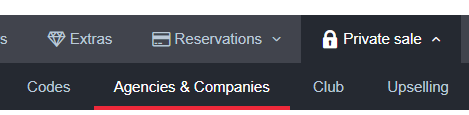
The first step is to create the agency / company profile, to do so, just go to the corresponding section in the "Private sale" menu and fill in the form that you will find after clicking on New.
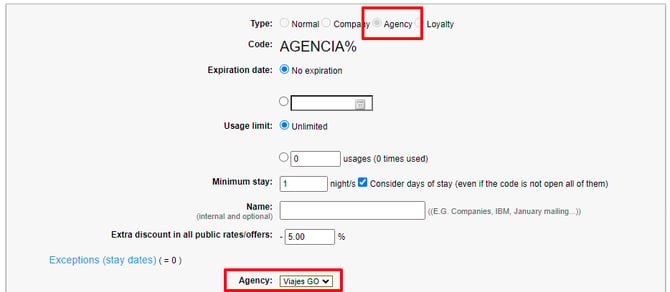
Then, in the "Codes" section, create a unique promotional code. Please note that in order to assign it to an agency/company profile, you will have to select the corresponding option under Type, this will bring up a drop-down menu where you can select the profile you have just created.
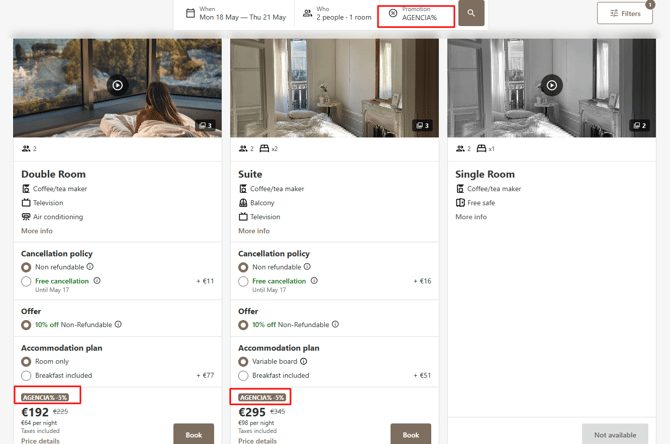
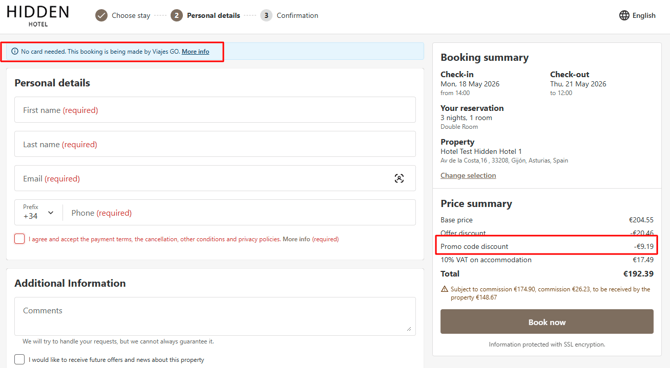
And this will be the result in the engine, when the agency/company uses the code.
If you are a chain, we can manage agencies/companies across all your establishments or some of them together. For more information, please contact [email protected].